Web application firewall
Turn on ModSecurity with the OWASP Core Rule Set for a website, start in detect-only mode, turn off rules that catch real visitors, and limit WordPress sign-in attempts.
The web application firewall checks each request before it reaches a website and stops common attacks such as SQL injection, cross-site scripting and file inclusion. It is ModSecurity in NGINX with the OWASP Core Rule Set (CRS). You install it once per server, and then turn it on for each website on its Firewall tab.
PHP websites also get Sign-in protection, a limit on WordPress sign-in attempts from one address. It does not need the firewall to be installed.
Install it on a server
Open the server's security
Open the server and go to its Security tab, or open Security > Firewall and pick the server.
Install
In the Web application firewall card, click Install. The agent installs the libnginx-mod-http-modsecurity and modsecurity-crs packages and loads the rules into NGINX once, for all websites.
Installing changes no website: the firewall stays off for every site until you turn it on in that site's Firewall tab. If NGINX cannot load the rules, the agent takes the change back and NGINX keeps running as before. Each request the firewall checks costs a little CPU.
Installing needs the security.manage permission.
Turn it on for a website
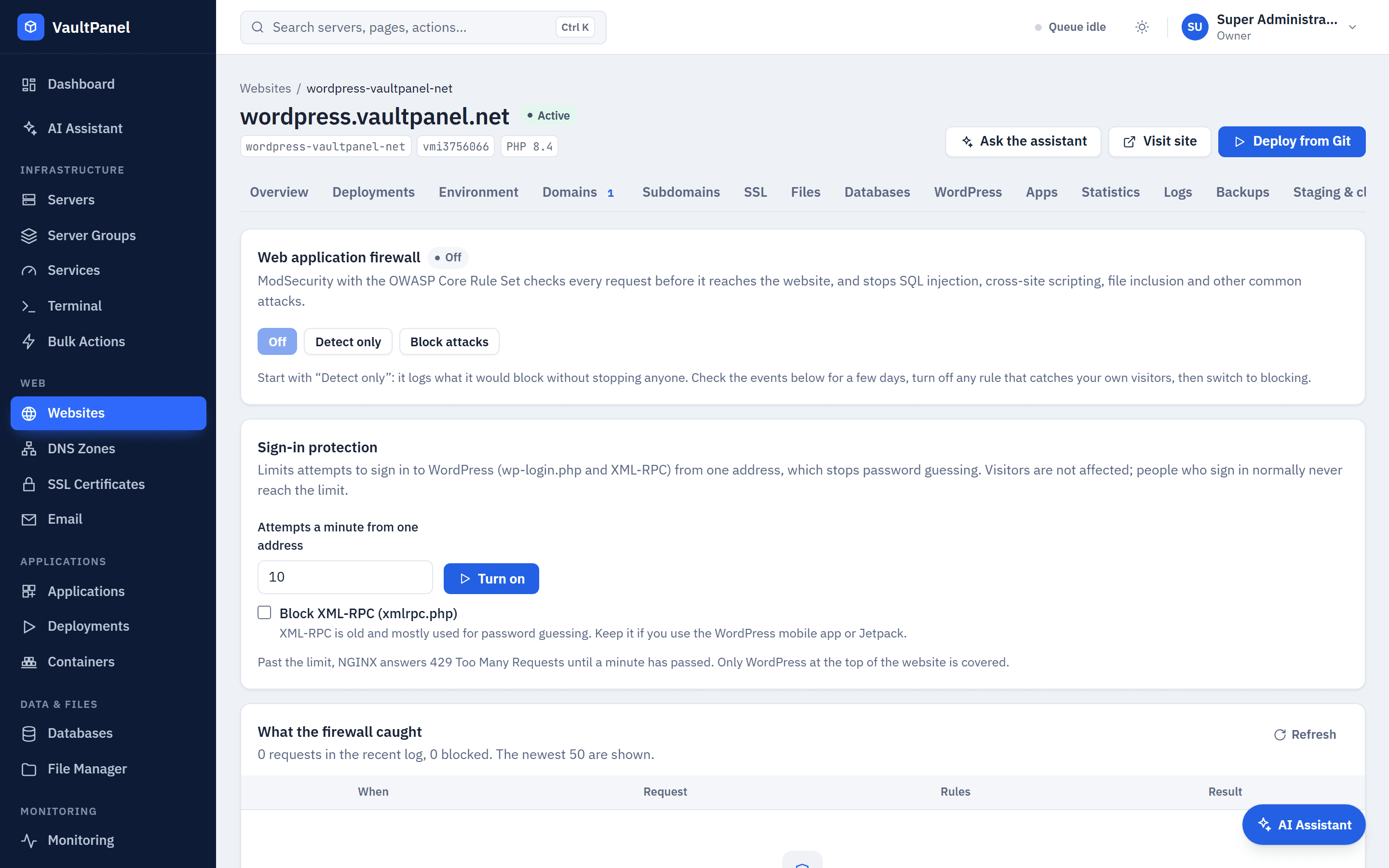
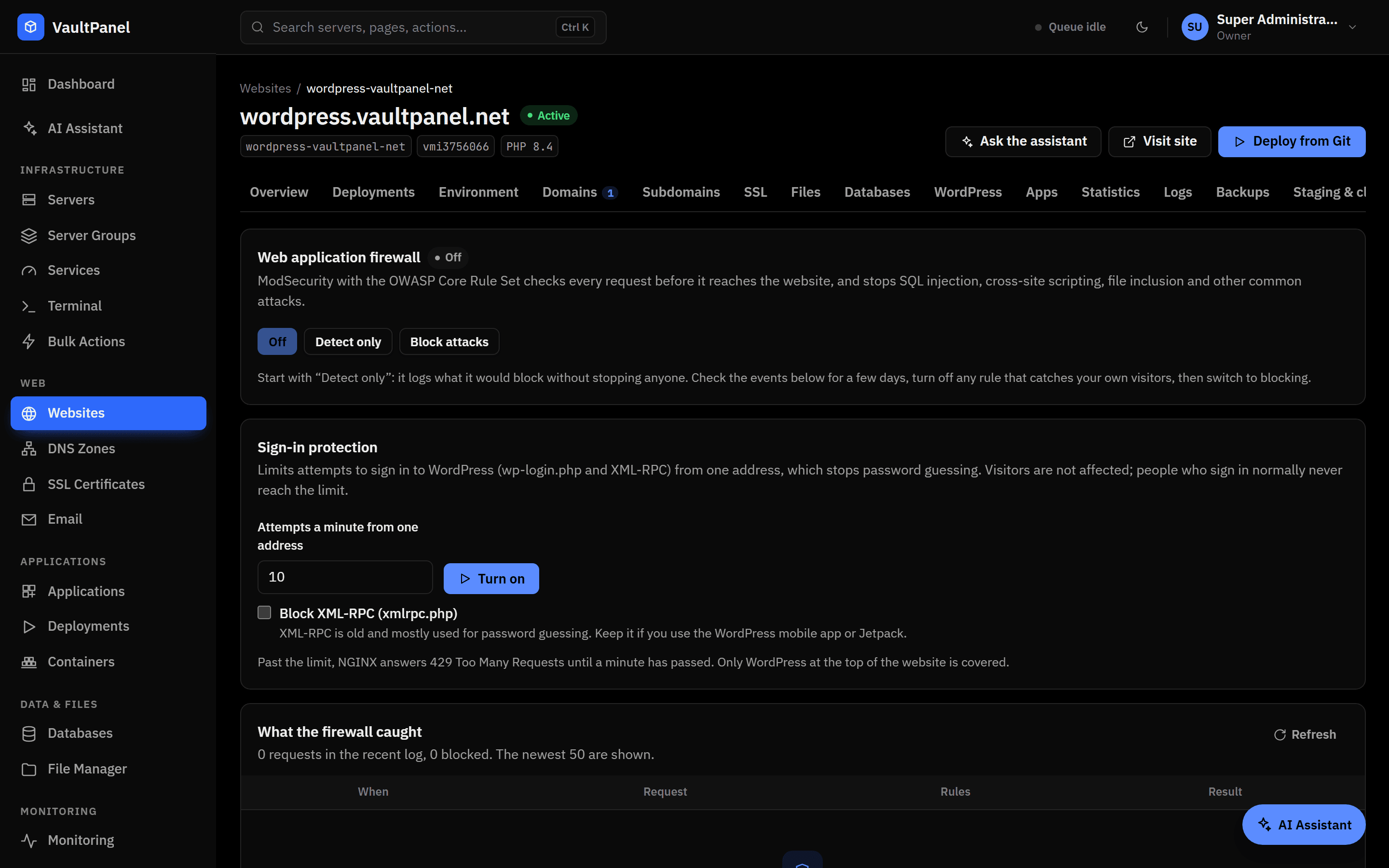
Open the website and go to the Firewall tab. The Web application firewall card has three modes:
| Mode | What happens |
|---|---|
| Off | The firewall does not check this website. The default. |
| Detect only | Requests are checked and logged, but nothing is blocked. Requests it would block show as Would block. |
| Block attacks | Attacks are answered with 403 Forbidden. The card shows Blocking. |
Click a mode to apply it. Each change is an ordinary website change: the agent writes the site's NGINX configuration and tests it with nginx -t before NGINX reloads.
If the firewall is not installed on the server, the tab says so and the modes cannot be turned on. The firewall works for every website type: static, PHP and reverse proxy.
Turn rules off for a website
A rule that catches real visitors (a form, a page builder, an API call) can be turned off for one website without changing others.
- In What the firewall caught, click Turn off for this website next to the rule.
- Or, under Rules turned off for this website, type the Rule id (such as
942100) and click Turn off rule.
Click the cross next to a rule id to turn the rule on again. A website can turn off up to 100 rules.
What the firewall caught
The What the firewall caught card lists the newest 50 requests that matched a rule for this website, read from the server's firewall log, and how many requests in the recent log were caught and blocked. Click Refresh to read it again.
| Column | What it shows |
|---|---|
| When | The time and the visitor's address. |
| Request | The method, address and host name. |
| Rules | Each rule that matched, with its id and message. |
| Result | Blocked (answered with 403), Would block (in detect-only mode) or Logged. |
Reading the log needs the websites.logs permission.
What the log keeps
The firewall writes one log on the server, readable by root only, in /var/log/vaultpanel-waf. It keeps the request line, the visitor's address, the response status and the rules that matched. It never keeps headers or request bodies, so no cookies or passwords are stored. Rotated logs are kept for 7 days.
Sign-in protection
PHP websites have a Sign-in protection card on the Firewall tab. It limits the attempts to sign in to WordPress from one address, which stops password guessing.
| Setting | Default | What it does |
|---|---|---|
| Attempts a minute from one address | 10 | 1 to 60. Counts POST requests to wp-login.php and xmlrpc.php. |
| Block XML-RPC (xmlrpc.php) | Off | Refuses every request to xmlrpc.php. Keep it off if you use the WordPress mobile app or Jetpack. |
Click Turn on, or Save and apply after a change. Turn off removes the limit. Past the limit, NGINX answers 429 Too Many Requests until a minute has passed. Visitors who sign in normally never reach it. Only a WordPress at the top of the website is covered.
Copies of a website
A clone or staging copy keeps the firewall mode, the rules turned off and the sign-in protection of the website it was copied from.
Permissions
| Permission | Allows |
|---|---|
security.manage | Installing the firewall on a server. |
websites.manage | Changing a website's firewall mode, rules and sign-in protection. |
websites.logs | Reading What the firewall caught. |
Related
- Firewall for the server's own port firewall.
- Malware scanning for files already on a website.
- API reference for the
wafandloginLimitsettings.